When keeping your apps updated becomes another job
If you are using a calendar, a to-do list, a habit tracker, and a journal just to survive the day, you aren’t organized. You’re exhausted. Here is how I escaped the app fatigue trap.
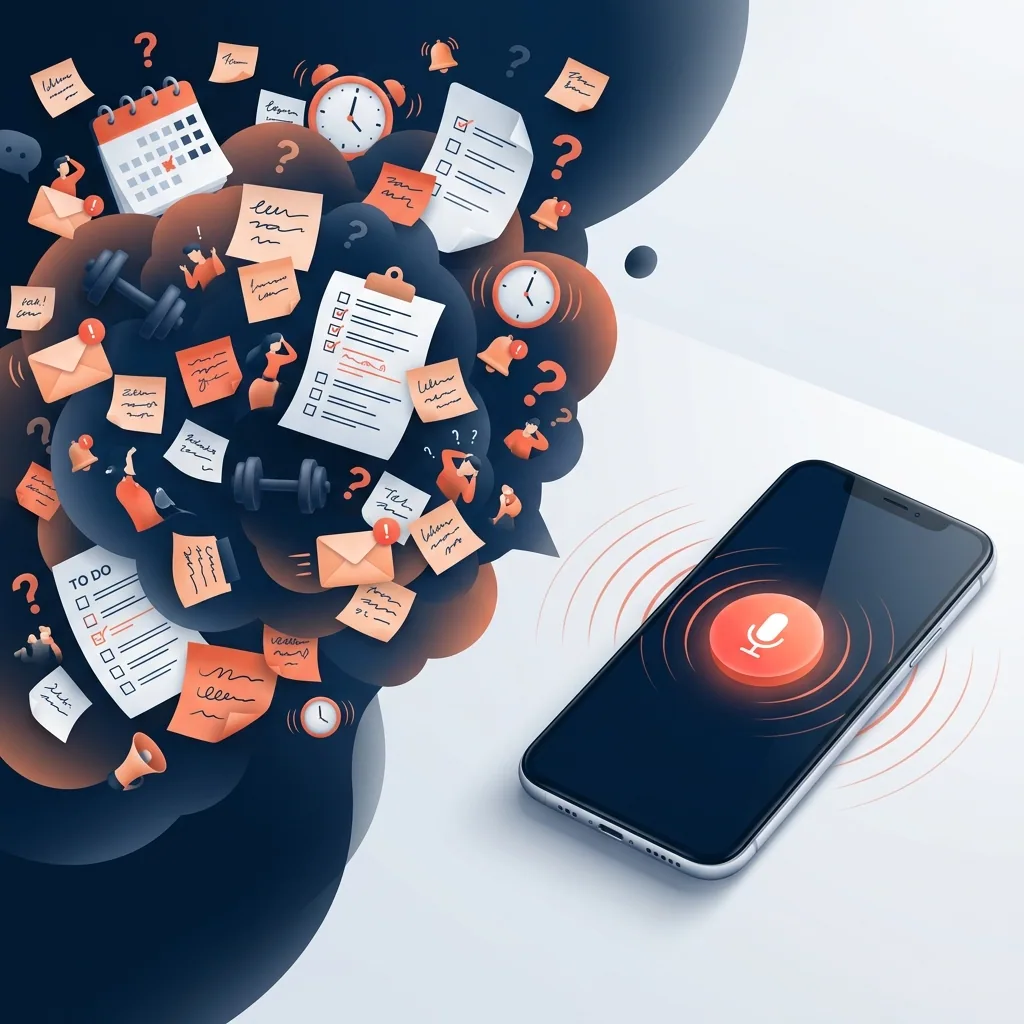
I am 38 years old. I run a startup, raise kids, and try my best to remain a decent partner, friend, and human being. A few weeks ago, at 3:00 PM on a Tuesday, my personal "system" crashed.
My calendar showed a critical meeting in ten minutes. My phone buzzed to remind me my kid had soccer practice. As I grabbed a coffee, I realized I’d forgotten to buy milk that morning, my wedding anniversary was next week (and I hadn't booked a table), and my doctor had recently told me to track my hydration because my blood pressure was slightly elevated.
My brain felt like a web browser with 50 tabs open. I was living with a constant, low-grade background anxiety. Did I forget something? What was that task I was supposed to finish? Did I log that workout?
To solve this, I did what any modern professional does: I downloaded apps. A calendar for events, a to-do app for tasks, Notion for my thoughts, Apple Reminders for grocery lists, and MyFitnessPal to track my health.
But within two weeks, a new and exhausting problem emerged: App Fatigue. Updating these apps felt like a second job. Every time I drank a glass of water, I had to unlock my phone, open the health app, tap through three menus, and hit save. When I got a sudden idea while driving, I couldn't write it down. When my wife asked me to order a new water filter, I told myself I'd remember.
Spoiler alert: I didn't. The data was lost. The memory faded. My personal "RAM" was full. I realized I didn’t have a memory problem. I had an input friction problem. So, I deleted my to-do list apps, closed my trackers, and changed how I manage my life.
1. The "Personal RAM" Crisis: Why 35+ is Different
When I was 22, my cognitive load was light. I had to manage entry-level work, a few friendships, and a rent payment. My brain had plenty of "Random Access Memory" (RAM) to handle it all.
At 38, life scales exponentially. I am managing a peak career with high-stakes decisions, family logistics (school schedules, doctor appointments, soccer practice, home maintenance), personal health tracking (sleep, workouts, habits, hydration), and important dates (bills, birthdays, anniversaries, and tax deadlines).
When you try to track all of this manually, your working memory reaches its limit. Psychologists call this cognitive overload. When your brain is constantly busy holding information, it has zero capacity to actually process it.
2. The Myth of the "Organized Life" (And the Friction of Typing)
Some productivity advice assumes you have time to build a detailed system: elaborate databases, tags for every note and a long Sunday review. That can be useful if you enjoy maintaining it. For me, the recurring challenge was finding a way to capture a small detail during a busy day before I forgot it.
For a busy parent or professional, this is a trap. Any system that requires high cognitive friction to use will fail when you are tired. If you have to type, categorize, or organize your thoughts, you will eventually abandon it.
"The best productivity tool is the one that takes the least amount of effort to feed."
The lowest latency, lowest friction input method we possess is not typing. It’s voice. We speak seven times faster than we type. More importantly, when we speak, we don’t have to worry about formatting, spelling, or choosing folders. We just express the thought.
3. How I Built a Zero-Friction Ingestion Layer
To solve this, I built Chela.io—an deliberately recorded, voice-first personal memory assistant. Instead of organizing my day across five different apps, I wanted a single, central ingestion layer. I didn't want to categorize. I didn't want to navigate menus. I wanted to simply press a button, speak my stream of consciousness, and let AI do the heavy lifting.
Here is how I use a short voice note to capture several details together, then check the actions and dates before relying on them.
"Slept about 6 and a half hours, woke up feeling a bit tired. Had a solid workout at lunch, did a 5k run. Drank 4 glasses of water so far. Oh, and remind me on Friday at 9 AM to follow up with the accountant about the Q2 taxes."
Here is what Chela does with that 12-second audio:
Health & Vitals Logged
Reminders & Tasks Created
Friday, 9:00 AM: "Follow up with the accountant about the Q2 taxes"
4. Reclaiming the Little Things
The true magic of this voice-first system isn't just managing big tasks; it's capturing the fleeting moments that make up a life—things I used to forget immediately.
- Tracking Kids' Milestones: "Leo said the funniest thing today, he called a helicopter a 'sky-fan'." (Stored in my family memory log after processing).
- Capturing Ideas on the Go: "I should write a blog post about how voice interfaces are replacing traditional search." (Saved to my writing backlog).
- Remembering Gift Ideas & Dates: "My mom mentioned she really wants that specific blue ceramic pot for her birthday in September." (Linked to my mom’s profile in my facts graph).
Months later, I don't have to scroll through messy note files. I simply ask Chela: "What did my mom say she wanted for her birthday?" or "When did I last run a 5k?" and the AI serves the answer back after processing.
5. Reclaim Your Peace of Mind
At 35+, peace of mind is the ultimate luxury. It comes from knowing that nothing is slipping through the cracks—without having to spend your precious evenings maintaining databases.
By offloading the mechanical burden of memory to a voice-first AI assistant, I cleared my mental cache. I can be fully present with my kids, fully focused at work, and sleep soundly knowing my "second brain" is keeping watch.
Stop typing. Stop organizing. Start speaking. Download Chela today:
Frequently Asked Questions
Why is voice logging better than standard note-taking apps?
Standard note-taking apps require you to type, categorize, and organize. This introduces friction, causing you to avoid logging small but critical details. Voice logging with Chela allows you to speak naturally, while AI automatically structures, parses, and files your entries.
How do I recall my logged information later?
You can search your personal database using natural language. Chela features a chat interface that acts as a search engine for your life. You can ask it questions like, *"What was that book recommendation from last week?"* or *"How many glasses of water did I drink on Monday?"*
Can I track multiple areas of my life at once?
Yes. Chela is designed to eliminate "app fatigue." You can record a single voice note that contains a task reminder, a health metric (like water or weight), a journal entry, and a habit update. Chela's AI will parse and route each piece of information to the correct place.
Is my personal data secure?
Absolutely. At Chela, we believe your personal memories and health data should remain private. Your logs are encrypted and processed securely, ensuring that your digital memory belongs to you and you alone.
A Step Toward a Simplified Life
Join thousands of early adopters who have stopped typing and started living.
Free accounts include manual task creation and metric tracking. Voice notes require a paid plan. See the app for current subscription limits and regional prices.