The Todo List That Builds Itself
You talk about your day. Chela finds the tasks, remembers your routines, and builds the right list for today.
V Vishal RanaFounder, Chela.io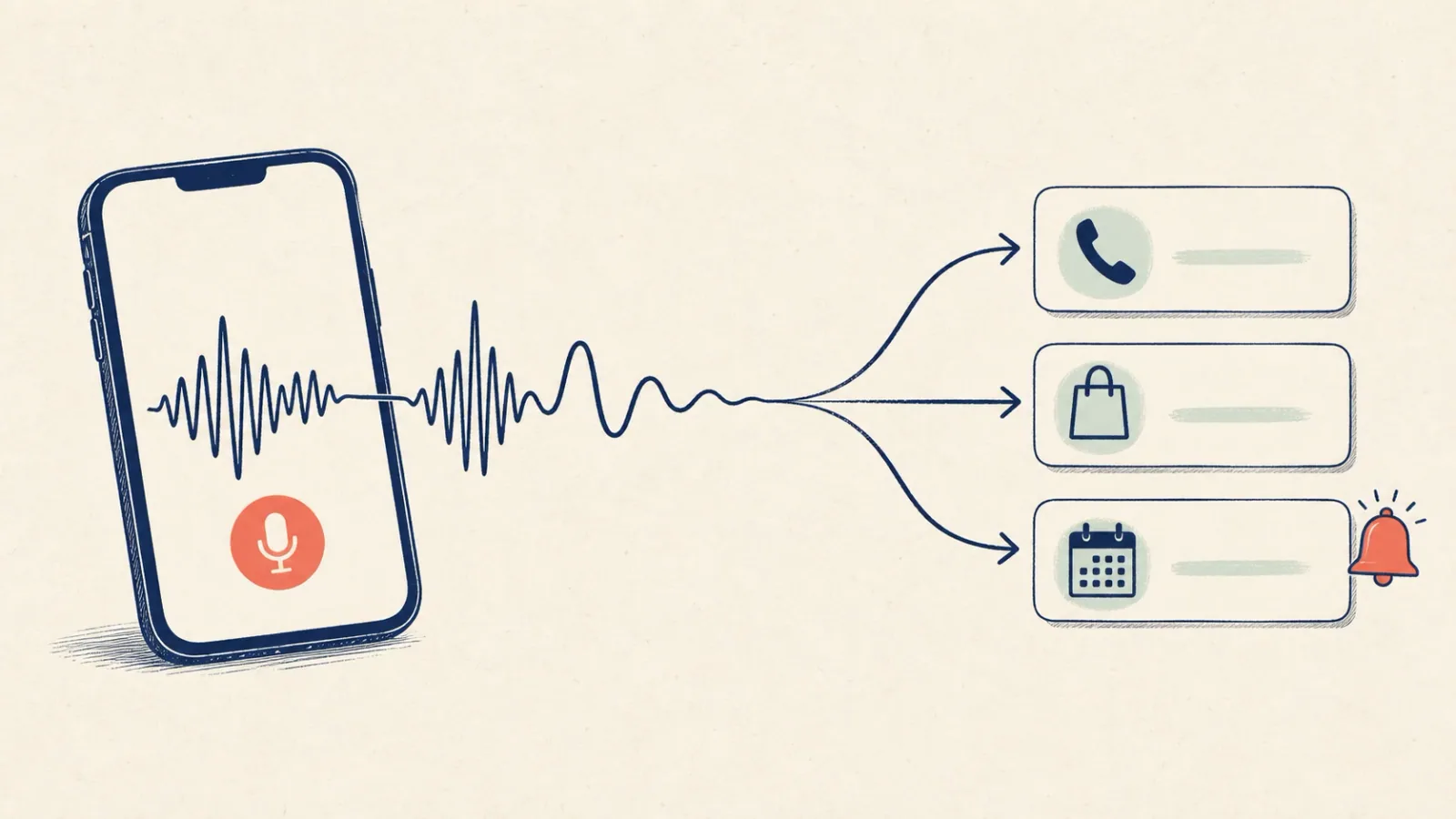
A todo list usually asks for work before the real work starts. Open the app. Tap the right list. Write a clean title. Add a date. Repeat for the next thing. I rarely did all of that when the thought first showed up.
The useful thought came while I was making tea, walking to the car, or leaving a meeting. By the time I was ready to type it properly, it was gone. So we made Chela work from the messy version: the sentence you would say to yourself anyway.
What “builds itself” actually means
It does not mean Chela plans your life or decides what matters. It means you do not have to turn every thought into a tidy task by hand. Record one voice note, speak normally, and Chela pulls out the actions, dates, and reminders it can find. When you clearly describe a recurring routine, Chela can bring it back on the days it belongs.
Example 1 · Before work
Chela adds
That is three jobs from one ordinary sentence. No special wording. No need to stop after each item and start again.
You can talk like a person, not a form
Real notes contain half a story, a complaint, and a task hiding somewhere near the end. That is fine. The action does not have to be the whole recording.
Example 2 · After a meeting
Revise pricing by Friday
This small difference matters. “Update the deck” is useful. “Update the deck because Maya chose the simpler home screen” is useful six weeks later too. Chela keeps the note searchable, while the action still lands in your task list.
Example 3 · On the way home
The list can remember your rituals too
Not everything starts as “I need to do this tomorrow.” Some things are simply part of how you want to live. You meditate most mornings. You want to read every day. Sunday means church. The 15th of each month means a regular visit somewhere important to you.
Once those routines are saved in Chela, they do not need to be spoken again every morning. Chela can use the frequency and timing in those notes when it prepares your daily list.
Example 4 · Save your routine once
How the list changes
15 min morning sun
20 min reading
Church at 9:00 AM
Visit the library
If the 15th happens to be a Sunday, all three layers can meet in the same list: the everyday activities, church, and the monthly library visit. You get the right list for that date without rebuilding it from scratch.
The wording still matters. “I like reading books” is useful information, but it does not say when reading belongs on your list. “I want to read for twenty minutes every evening” gives Chela a clear ritual to work with. Chela should remember what you mean, not invent a schedule you never asked for.
What happens after you stop speaking
There is plenty going on behind the screen, but the part you need to know is short:
- Chela transcribes the voice note.
- It spots lines that sound like something you need to do.
- It reads dates and times such as “tomorrow,” “at six,” or “before Friday.”
- It adds the tasks and prepares reminders where the timing is clear.
- When a note describes a recurring ritual, it uses that pattern in the relevant daily briefing.
The full recording stays part of your searchable memory, so the list is not cut off from the reason behind it.
A useful limit: it is not always listening
“Builds itself” can sound as if a phone is listening all day. Chela does not need to do that. You choose when to record a note. That might be ten seconds after a call or one longer recap at the end of the afternoon.
It also will not know every detail you leave out. If “later” really means 4 PM, say 4 PM. If a date matters, include it. A quick glance at the result is still sensible when the timing is important.
Try it for three days
Do not move your whole system on day one. Just try one rule:
When a task arrives while your hands or attention are busy, say it to Chela instead of promising yourself you will type it later.
Use the words you already use: “I need to…”, “don’t forget…”, “before Friday…”. At the end of the day, open the list and see what made it there. The point is not to create the perfect list. It is to stop good intentions disappearing between the thought and the keyboard.
For routines, add the rhythm once: “every morning,” “each Sunday,” or “on the 15th of every month.” The list can then change with the day instead of showing the same generic checklist forever.
Chela for iPhone and Android
Say it once. Let the list take shape.
Record a natural voice note and let Chela turn the actionable parts into tasks, reminders, and recurring rituals.
A few quick questions
Can Chela create a todo list from a voice note?+
Yes. Record a note, speak naturally, and Chela can pull out tasks and follow-ups. Mention a date or time when you want a reminder.
Do I need to say “set a reminder”?+
No. “I need to call Riya tomorrow” or “don't forget the bill on Friday” both carry the action and timing Chela needs.
Can one recording contain several tasks?+
Yes. You can put several tasks and normal context in the same note. There is no need to make a separate recording for every item.
Can Chela add recurring rituals to my daily list?+
Yes. State the pattern clearly: daily, every Sunday, or on the 15th of each month. Chela can use that saved timing when it prepares the relevant daily briefing.
Is Chela always listening?+
No. Chela works with the voice notes you choose to record.